
Update
Version 0.1.6 - Build 135
Performance improvements, layout changes, and support for local trailers
Neptune Update
v0.1.6 - Build 135
This update focuses mostly on UI performance fixes, making Neptune’s interface more pleasant to navigate. The Immersive layout design has been updated to include additional media metadata, and local trailers make their debut - featuring both single trailer options and a multi-trailer selector for those who enjoy variety in their lives.
Fluid navigation, seamless transitions, and every frame arriving right on queue
Every part of Neptune’s frontend has been optimized to deliver a smoother user experience when navigating menus. The Home Screen’s focus transitions have been re-calibrated to make navigation more responsive and animations now do a better job of working with each other to make each transition as seamless as possible.
Focus now moves crisply between items, artwork arrives fully rendered the moment it loads, and the backdrops behind your library resolve in harmony with other transitions. The Adaptive Theme that tints your colors to match your content now lands in the quiet beat after you settle, so it reads as part of the transition rather than something happening over it, perfectly balancing between aesthetics and performance.
Codec, resolution, and HDR format now surface everywhere your content lives
The immersive detail layout now carries the same video and audio Metadata Tags the standard layout has always shown - codec, resolution, HDR format, audio format, etc. - sitting right alongside the runtime and rating. Until now those tags only appeared on the standard layout; now the immersive hero display these as well.
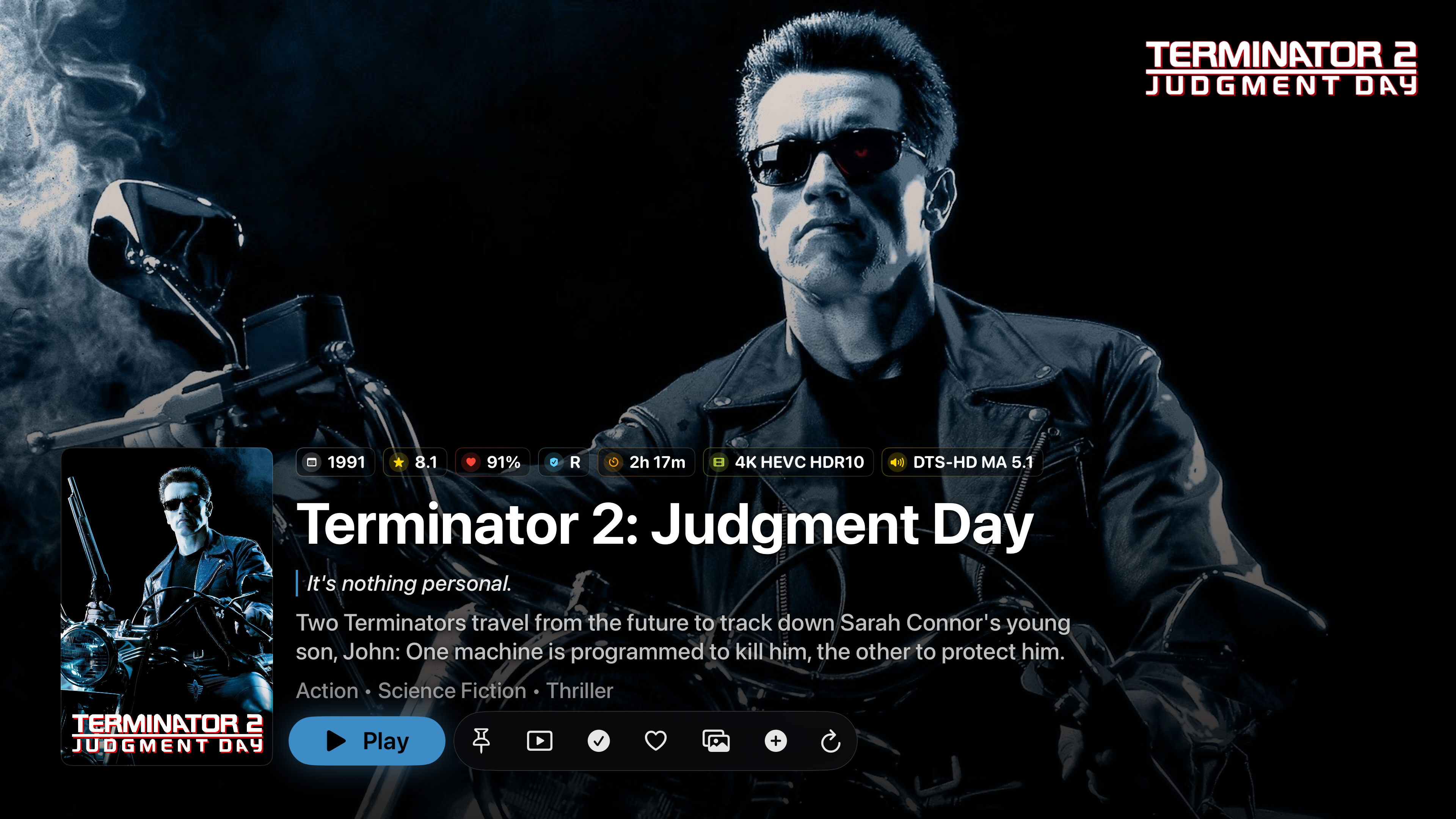
Each tag is tinted by what it represents - resolution, codec, HDR format, and audio profile each carry their own color - so a single glance separates one quality profile from another. Video and audio properties live in their own parts of the spectrum, making the specifications of the media immediately obvious at a glance. When a file carries multiple properties at once, the colors blend to reflect the combination - the badge becomes a visual mix of everything it encodes. The palette isn’t decorative; it’s the legend.
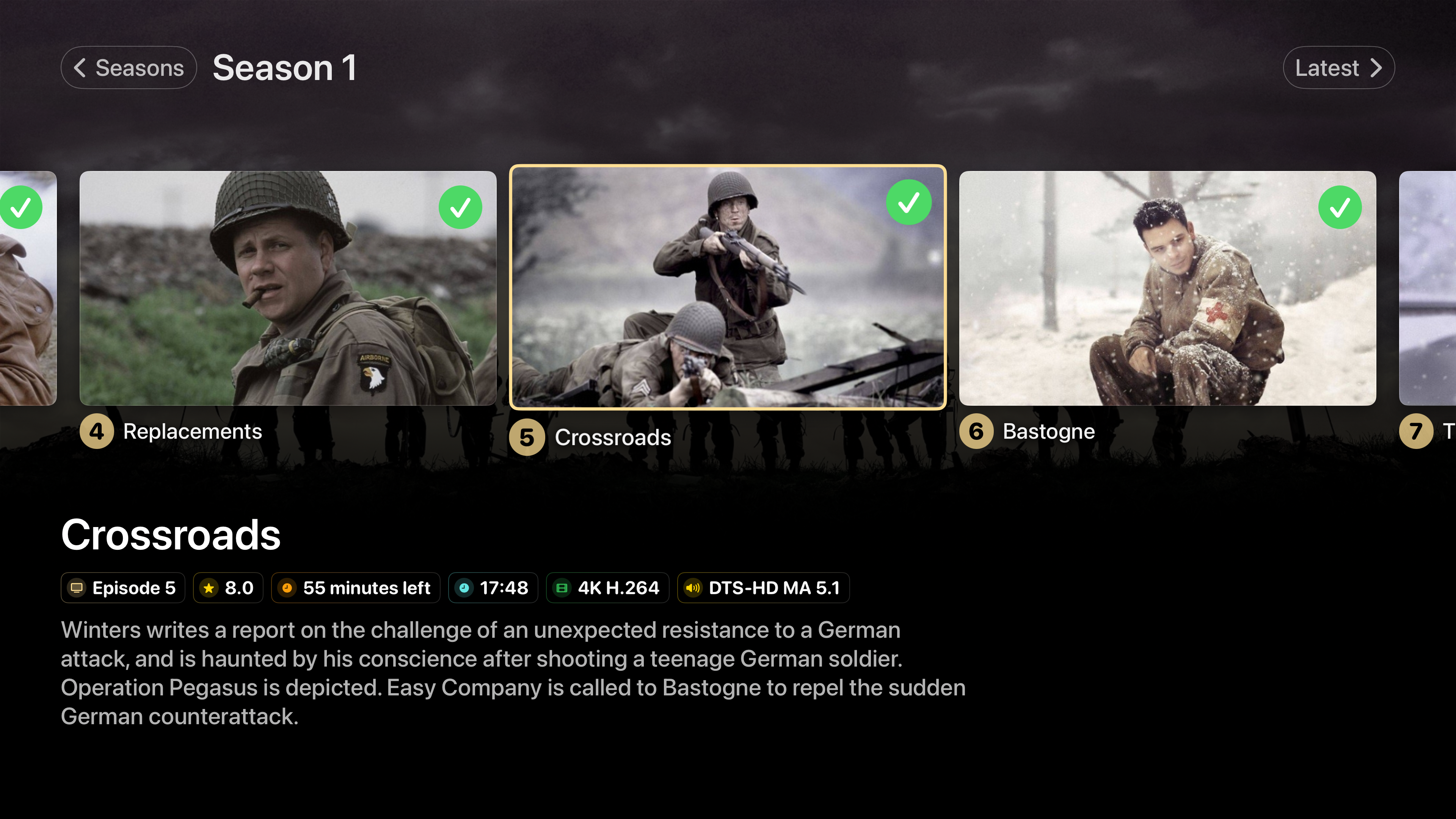
Metadata Tags have also make their into the Episode Gallery, and work great with both Regular and Big Picture Mode. Now it’s easier than ever to distinguish media type between movies and across episodes.
Local trailers playing right alongside the content they belong to
Trailers that live in your own library now play directly through Neptune. If you keep them alongside your media the way Jellyfin expects [in a trailers/ subfolder, or named with a -trailer suffix] they show up and play in-app, with the option of playing a off of YouTube.